Use the web UI
velodex serves a reactive web interface on its own port: server-rendered pages that hydrate in the browser, in the same visual style as this site.
Dashboard
http://<host>:<port>/ shows the version, the change serial, and the counters in two groups: a Global group with
the instance-wide request count, then one group per ecosystem (labelled with its badge) holding that ecosystem's scoped
counters, such as PyPI's listings, artifacts, and PEP 658 metadata hits. Below the counters sits a card per configured
index with its kind, route, layers, whether it accepts uploads, and its usage. The counters refresh every few seconds.
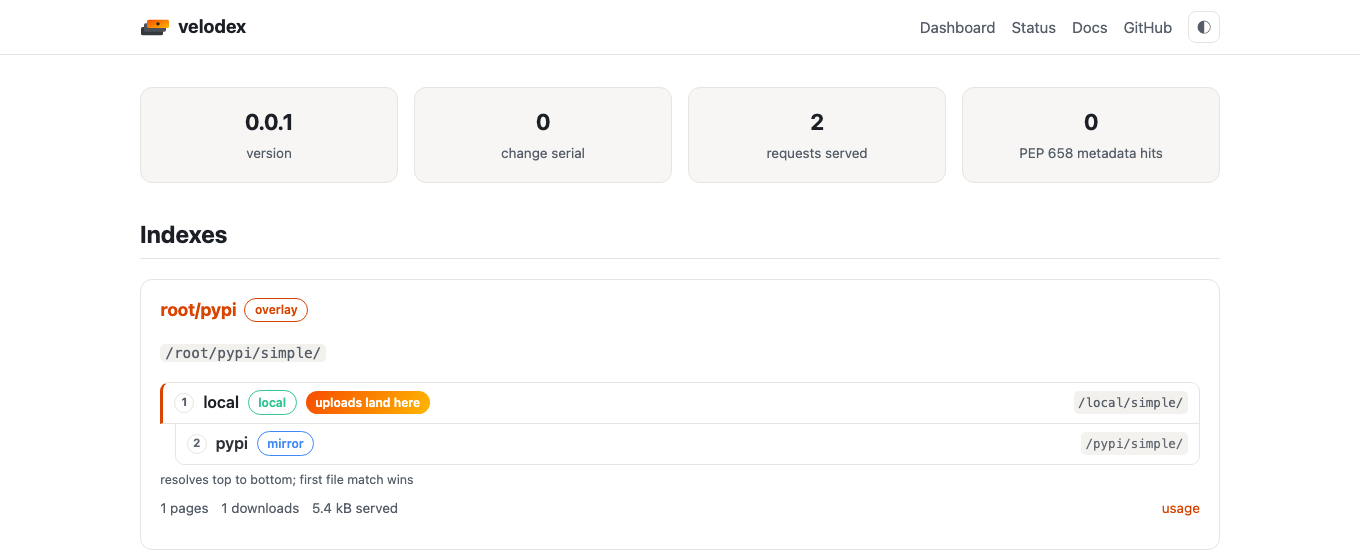
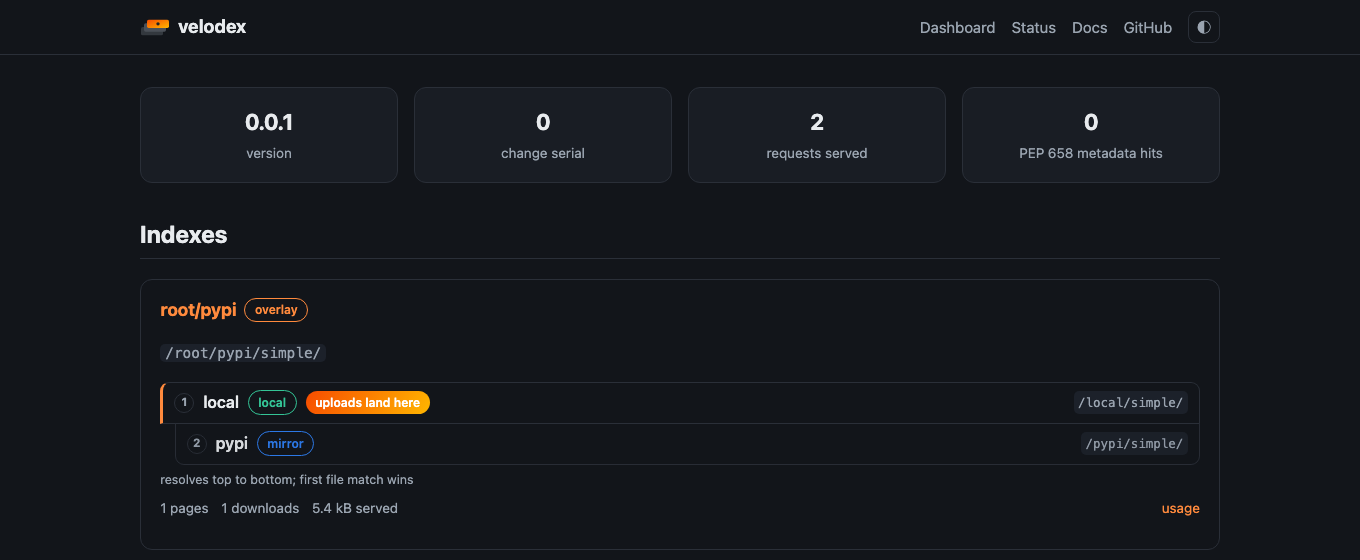
Each card's usage link opens the drill-down described in monitoring: index totals, a
per-project table, and per-file download counts.
Admin status
/admin/status reads GET /+status?details=admin and top-level GET /+stats. It shows configured indexes, routes,
virtual-index member order, upload targets by name, observed project counts, uploaded file counts, recent uploads,
cached index URLs, redacted authentication state, and cache-health counters. It also links to the JSON status, JSON
stats, Prometheus metrics, Simple API, browse, and usage pages.
The admin status document scans metadata keys once to count observed projects and uploaded files, then keeps only a capped recent-upload list per index. It does not fetch upstreams, read package detail pages, read artifacts, or expose upload tokens, upstream passwords, bearer tokens, URL user info, URL queries, or URL fragments.
Browsing packages
The header search box starts suggesting packages after two characters. Suggestions and the full /search page use the
same GET /+search API, so uploaded files, cached upstream pages, and virtual-index overrides rank from one indexed
view. Index policy filters search results before they reach the UI.
/search keeps q, type, page, and page_size in the URL. The type filter accepts uploaded, cached, and
override packages; the UI labels the last one as Override. Page size choices are 25, 50, and 100, and the browser
stores the last selected size for the next search.
An index card links to its project list, filterable as you type. A project page shows what pypi.org would: the rendered long description, summary, install command with a copy button, versions, dependencies, keywords, license, author, project links, grouped classifiers, and a file table with sizes, upload dates, sha256 digests, and yank/metadata badges.
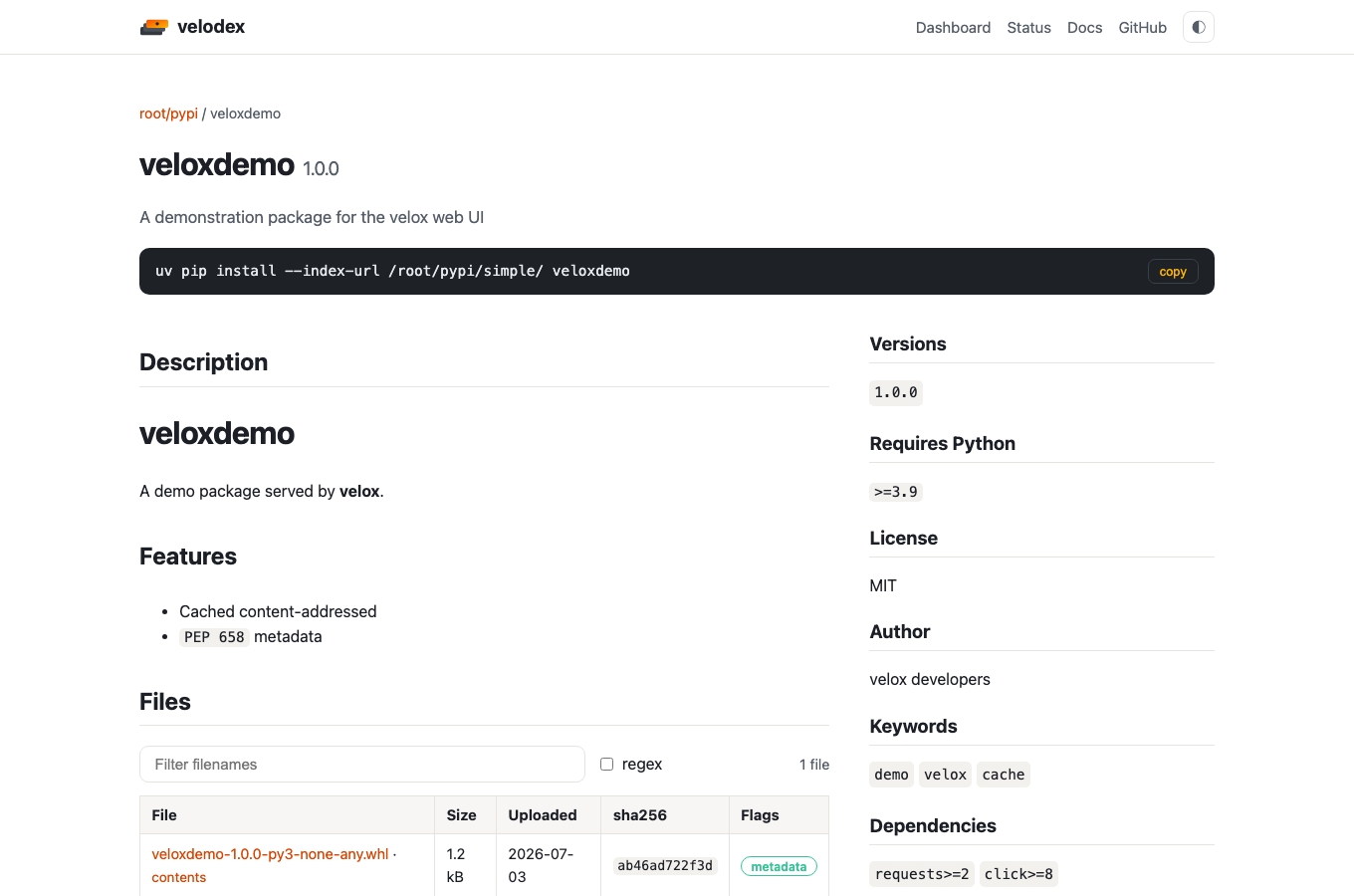
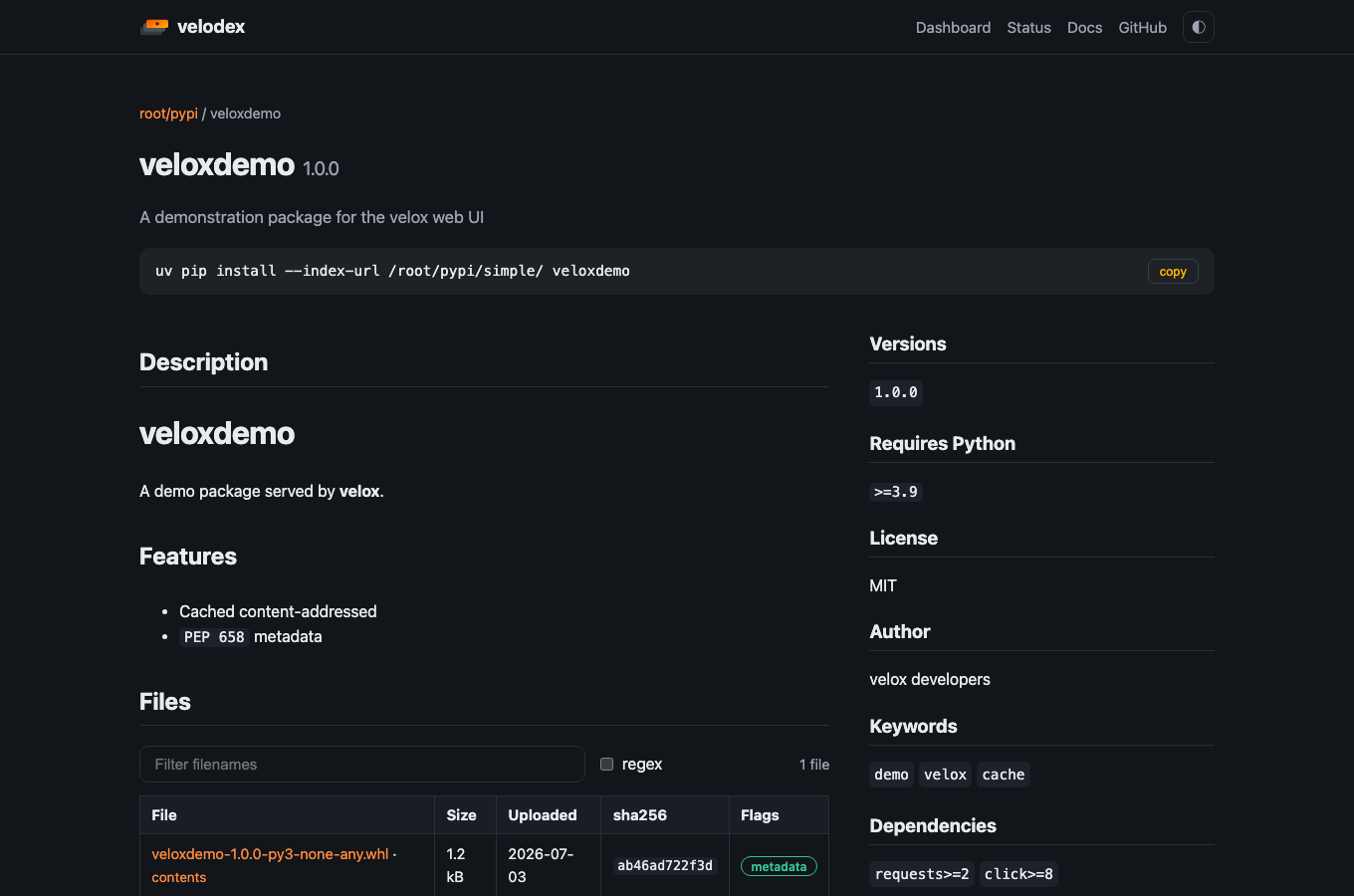
Inspectable wheels, zips, zipped eggs, .tar, .tar.gz, and .tgz archives get a contents link. It opens the
archive browser: members with their sizes, and member text in bounded chunks for large generated files. Other legacy
compressed tar formats such as .tar.bz2, .tbz, .tar.xz, .txz, .tlz, .tar.lz, .tar.lzma, and .tar.zst
still show as downloadable files, but do not get a broken archive link. The browser URL stores the file's sha256,
display filename, selected member, and chunk offset as separate query parameters. That keeps links stable for filenames
and member paths containing spaces, slashes, #, or ?.
Browse pages keep empty results separate from request failures. A failed project lookup, metadata fetch, archive list, or member preview shows the HTTP status and response body from velodex, including the index, project, digest, or file context the server can provide.
Managing uploads
"Manage uploads" on a project page takes the index's upload token and offers yank, un-yank, and delete per version, plus
whole-project delete. The buttons drive the same HTTP endpoints as curl would, so the rules match:
deleting uploads needs a volatile index, and files served from a cached index are hidden reversibly rather than
deleted.
Requirements
The interactive layer is a wasm bundle built by cargo-leptos
(cargo leptos build --release, output in ui/pkg/, served at /pkg). Without the bundle every page still renders
server-side; typeahead, filtering, live counters, stored page-size choices, and the admin buttons need it.
Related
- The endpoints the UI reads: HTTP endpoints
- Operational counters and status data: monitoring
- How the UI is built and tested: architecture